
What it does
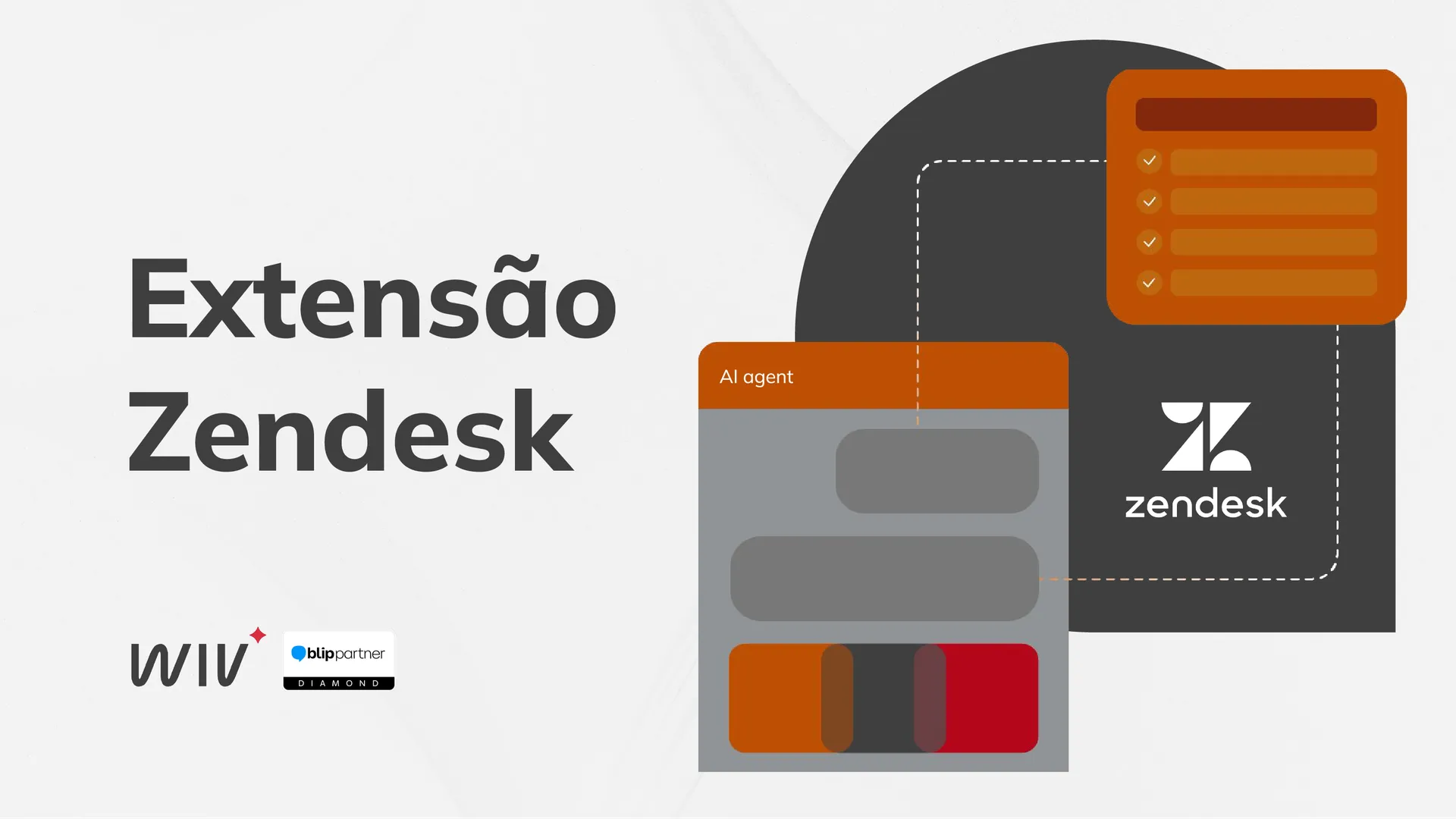
Integrates Blip Desk human support with Zendesk. Every new service interaction automatically becomes a ticket with the conversation history attached, and messages flow in real time in both directions: the agent replies in Zendesk and the customer receives it on the original channel (including WhatsApp). You can also send active messages and campaigns directly from Zendesk.
Key features
- Creates a ticket in Zendesk for each new human service interaction in Blip, importing the conversation history as comments.
- Syncs messages in real time: agent replies in Zendesk reach the contact, and new messages from the customer are added as comments on the ticket.
- Supports text, image, video, audio, document, menu, buttons, lists, and interactive messages, with attachments transferred automatically.
- Syncs status on both sides: resolving or closing a ticket in Zendesk ends the service interaction in Blip, and vice versa.
- Sends active messages (WhatsApp templates) to a contact via the sidebar, or in bulk via CSV file through the top bar, useful for re-engaging tickets and running campaigns.
- Syncs contact data (name, email, phone, notes, labels/tags, custom fields) with Zendesk users.
Requirements
- A Zendesk account with an admin profile user to complete the installation.
- A Zendesk account (the connection and account settings are configured through the extension itself).
- For active messages and campaigns, a router bot configured in Blip.
Benefits
- Centralizes conversational support in the tool your team already uses.
- Speeds up ticket resolution with the full conversation context from the very first contact.
- Prevents tickets from being automatically closed due to inactivity.
- Works with both simple bots and router bots.
Who it's for
Teams that handle human support in Blip and want to manage everything inside Zendesk.
Additional terms
Check the Blip Store for up-to-date pricing. Try it free with a 10-day trial with unlimited access.