What it does
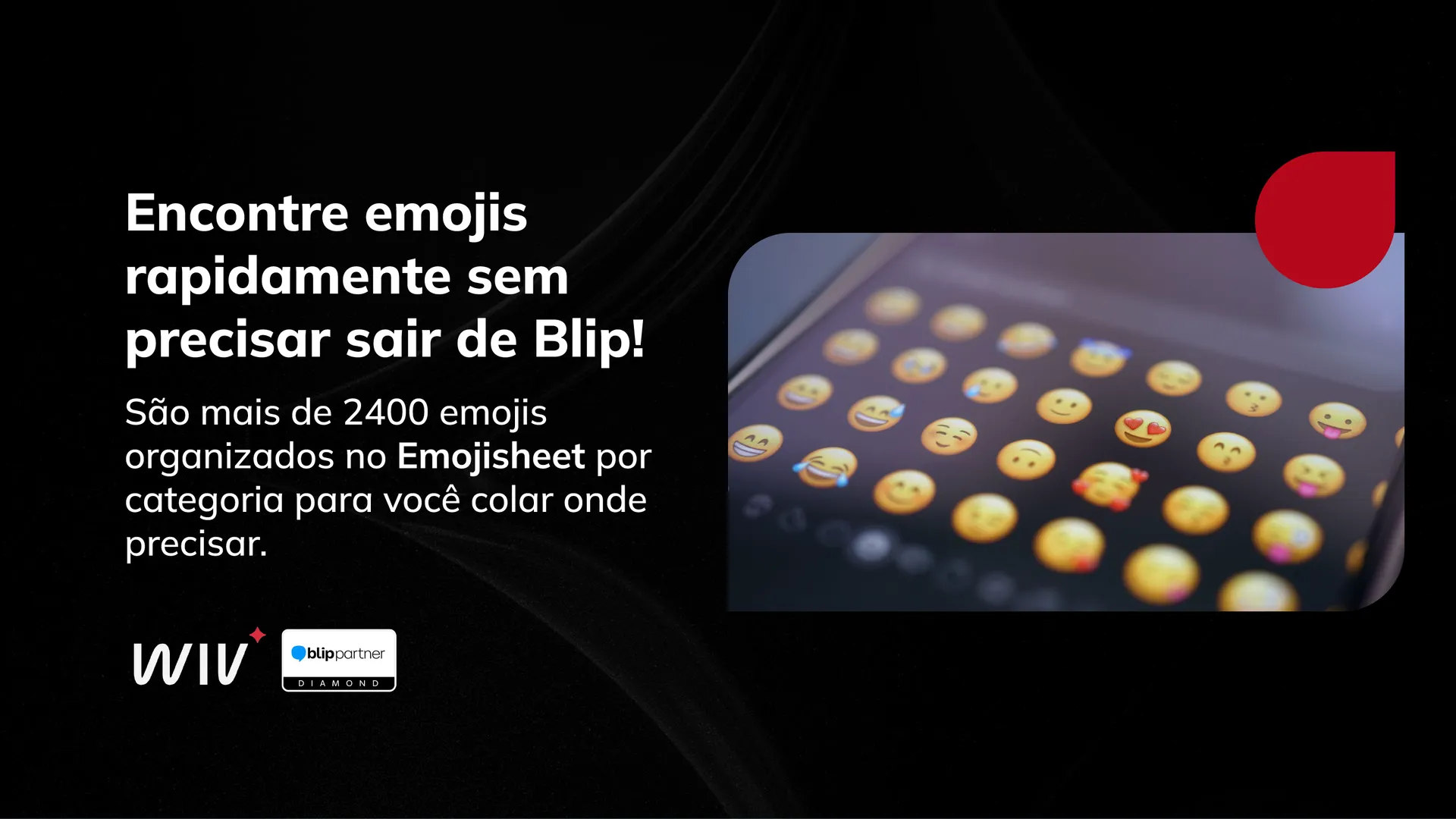
Emojisheet opens an emoji catalog inside the Blip portal, with more than 2,400 emojis organized by category. Search by name, identifier, category, or group (in Portuguese or English) and copy the emoji you want with a single click, ready to paste wherever you need it.
Key features
- Search emojis by name, category, or group, with real-time results as you type.
- Bilingual search: find the same emoji by typing the term in Portuguese ("rosto sorridente") or English ("grinning face").
- Accent-tolerant search, so "coracao" and "coração" return the same result.
- Filter by category (Smileys and Emotions, People and Body, Animals and Nature, Food and Drink, Objects, Symbols, Flags, and others) to browse without searching.
- Copy any emoji to the clipboard with one click, with an on-screen confirmation message.
How it works
- Open the Emojisheet screen in the Blip plugins portal.
- Type the emoji name or choose a category to list your options.
- Click the emoji you want to copy it, then paste it wherever you need.
Benefits
- Stop looking for emojis on external sites: the catalog lives right inside the Blip environment.
- Find what you need quickly by name, even if you don't remember the exact English term.
- Standardize emoji usage across flow builders and support agents.
Who it's for
Support, marketing, and flow-building teams who want to find and use emojis quickly in their day-to-day work inside Blip.